Windows and macOS · no account, no server
Your phone, on your computer
Files, contacts, messages and notifications from your iPhone, straight on your computer. Nothing installed on the phone.
On first run Windows shows "Windows protected your PC", and macOS says it cannot verify the developer. Both appear because the installers carry no purchased certificate, not because anything is wrong with them. What to click, step by step
What it does
Your phone, on the computer screen
EZconnect brings your iPhone onto your laptop screen using the same Bluetooth profiles a car’s infotainment system uses. On the phone you install nothing — no app, no profile, nothing.
File transfer, both directions
Press a button and two QR codes appear. Scan with the iPhone camera, Safari opens by itself, and you send your photos. They land in a folder you choose. The same in reverse: add files on the laptop, scan the second code, download them on the phone. It handles hundreds of photos and clips tens of gigabytes long, with live progress and speed.
File transfer — the simplest feature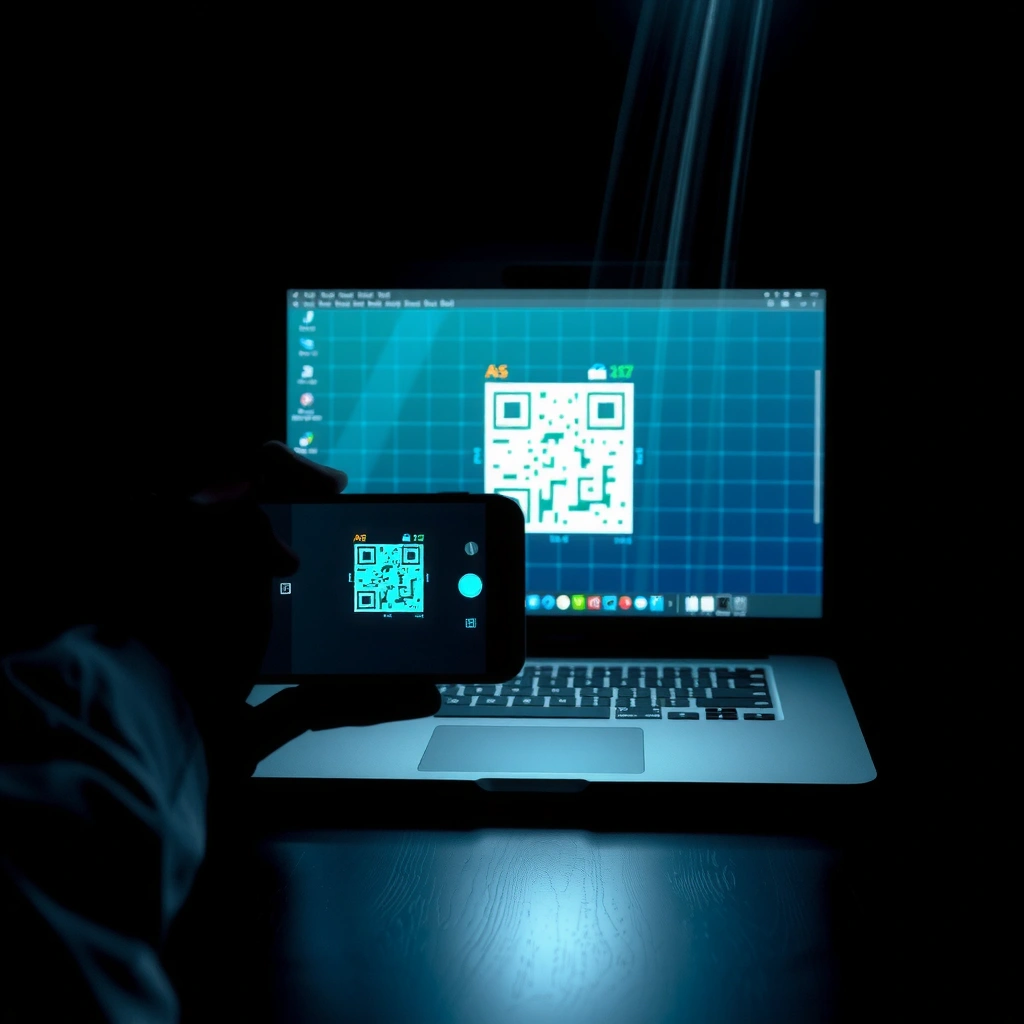
Contacts and call history
Your phone’s address book, searchable, right in the app.
Messages, read and sent
See your SMS conversations and reply from the laptop keyboard.
Bluetooth on the laptop and a paired iPhone are required. File transfer works without them.
Notifications from any iPhone app
WhatsApp, mail, calendar — they show up on the laptop. On an incoming call you can answer or decline from here, while the audio stays on the laptop’s speakers and microphone.
Three languages
Romanian, English and Spanish, switchable from one button at any time.

No surprises
What it does not do
We say this up front so you do not download it for nothing.
It does NOT mirror iPhone app screens
Waze, Spotify or Google Maps will not appear on the laptop. Real CarPlay carries that screen over a closed Apple protocol that requires MFi certification and an authentication chip physically built into the device. There is no technical or legal way to do that on an ordinary laptop — not for us, not for anyone.
It does NOT play iPhone music through the laptop speakers
iOS simply does not offer the laptop in its audio output list.
Requirements
What you need
Without Bluetooth the app opens straight on the Files screen and file transfer works normally.
Required
- Windows 10 version 1809 (build 17763) or newer, or Windows 11
- 64-bit architecture
- about 200 MB of free disk space
- does NOT require .NET installed — the runtime is inside the installer
Optional, for the phone features
- a Bluetooth adapter on the computer
- an iPhone (iOS 13 or newer)
For file transfer
- phone and computer on the same Wi-Fi network
- does not require Bluetooth
- does not require any app on the phone
Questions
Frequently asked questions
The six things everyone asks.
No. Nothing. The app talks to the phone through Bluetooth profiles iOS already exposes, and file transfer runs through the browser already on the phone.
Yes, for file transfer — which is the main feature. The app opens straight on the Files screen. Contacts, messages and notifications need Bluetooth.
The Bluetooth profiles used for the address book and messages are standard, so many Android phones answer them. The app is however built and tested for iPhone.
No. The transfer runs directly between phone and laptop over your own Wi-Fi. There is no intermediate server and no account. Each session gets an address with a random token that only works for whoever scanned the QR code.
Because the installer carries everything needed to run on a clean Windows, including the .NET runtime. You have nothing to install separately.
Windows Settings → Apps → Installed apps → EZconnect. Files received from the phone stay where they are.
What is next
What is next
The section is built, the content is not written yet. The entries below are layout examples, not announced features.
- In progressExample
Example entry — replace me
Two lines describing something currently being worked on go here. This text is a placeholder.
- PlannedExample
Example entry — replace me
A planned feature with a short description goes here. This text is a placeholder.
- ConsideringExample
Example entry — replace me
An idea still under consideration, which is not a promise yet, goes here. This text is a placeholder.
Ready to install
One file, one double-click
You do not need .NET or anything else installed beforehand — everything is bundled into the installer. The installation does not ask for an administrator password.
Your system will warn you once: Windows with the blue "Windows protected your PC" screen, macOS with an "unverified developer" notice. We show you exactly what to click on each.